



How to delete your Instagram account – the quick guide

Between social media fatigue, concerns about personal data, or simply a desire to take a break: there are plenty of reasons to leave Instagram.
Yet, the platform doesn't particularly promote this option. Here's a step-by-step tutorial to permanently delete your account, whether you're on a smartphone or computer.
Step 1: Access the Meta Accounts Center
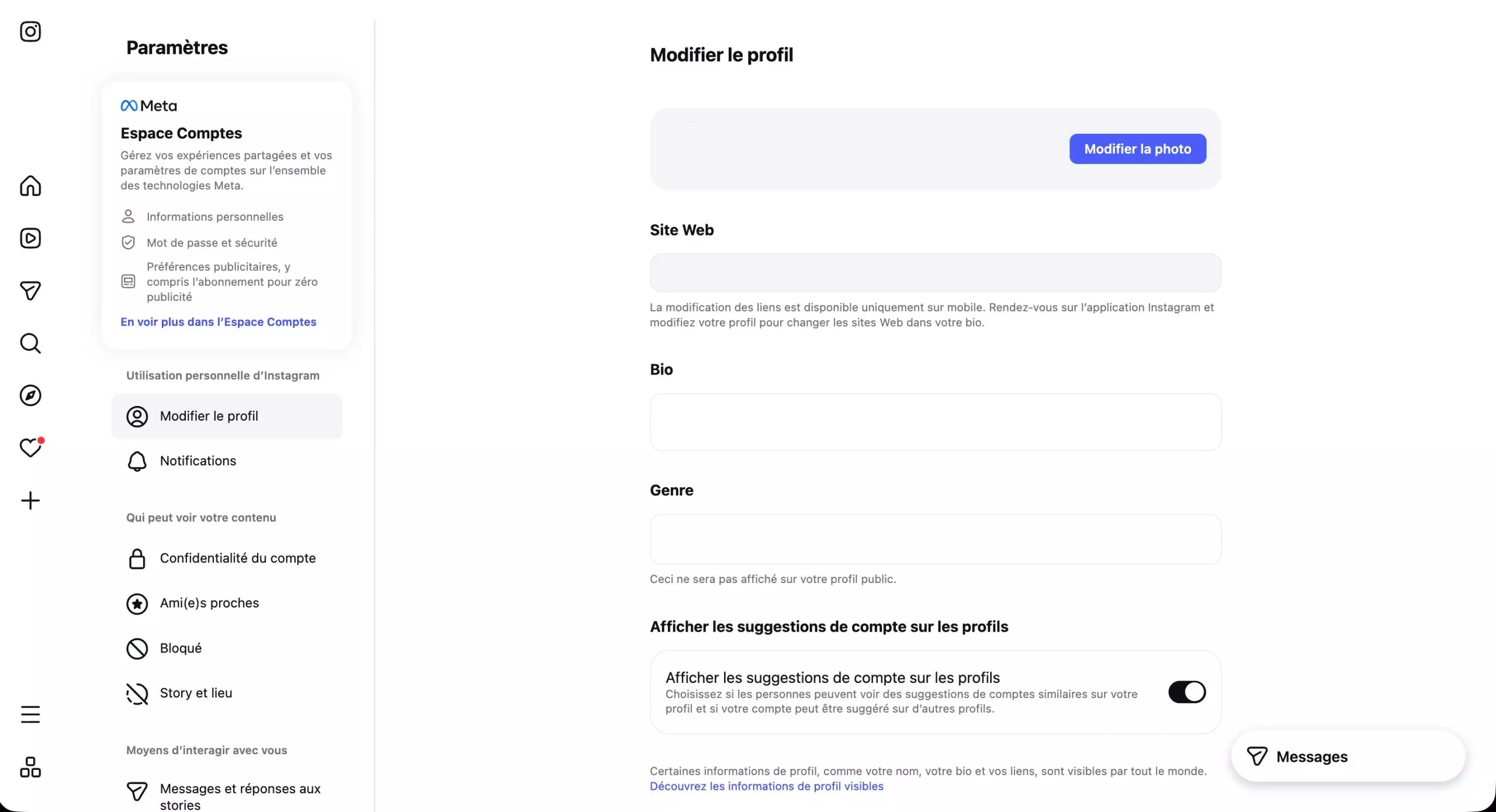
Deleting an Instagram account is now done through the "Accounts Center," a common interface for all Meta group services.
From the mobile app:
- Open Instagram and go to your profile
- Tap the menu (three bars) in the top right corner of the screen
- Go to "Settings and Privacy"
- Then enter "Accounts Center"
On a computer, simply log in to your account via a browser and access directly to the "Settings" section.
Step 2: Find the deletion option
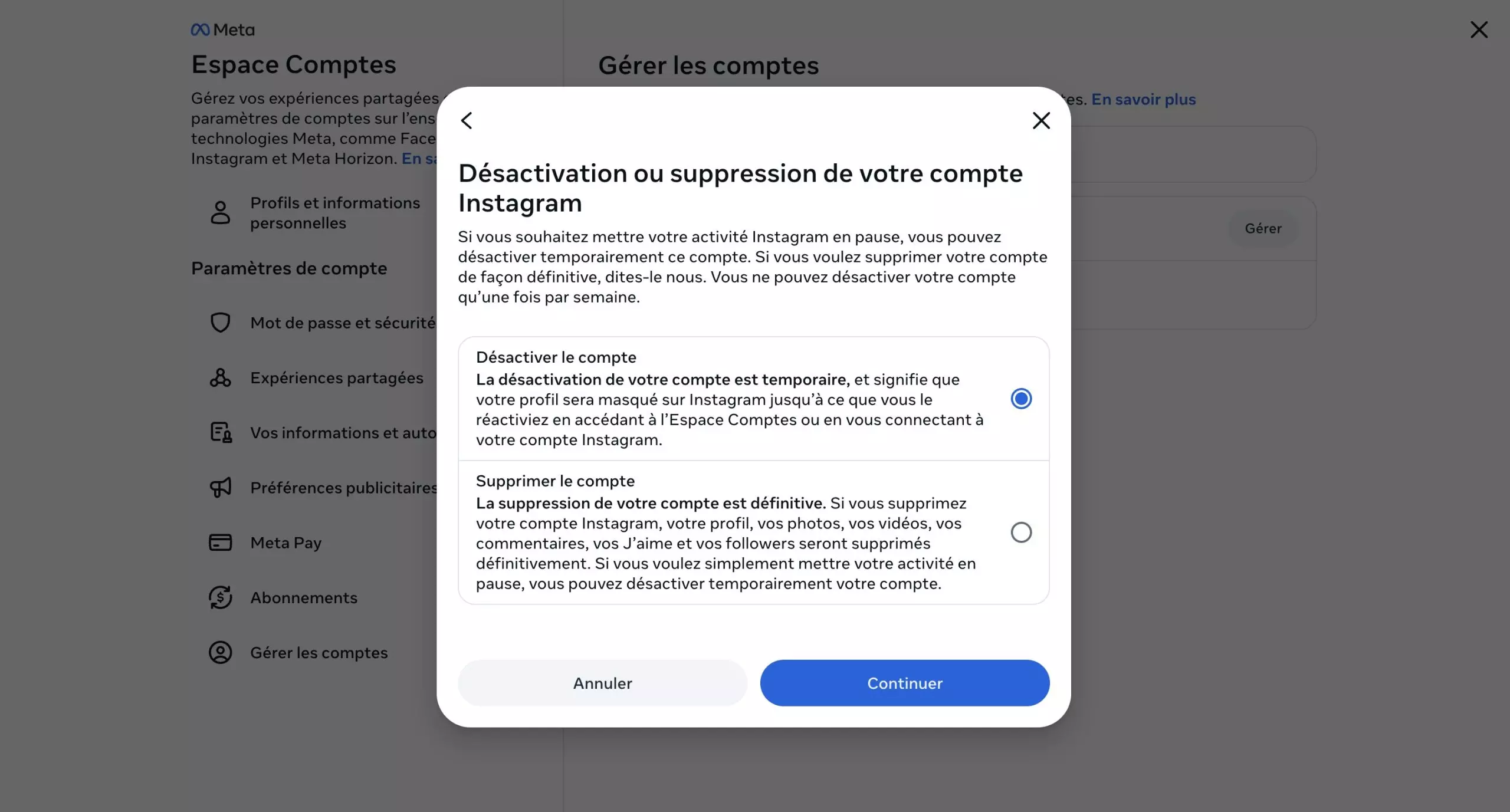
Once in the Accounts section:
- Go to "Manage Accounts"
- Select "Manage" next to the account in question
- Click on "Deactivate or Delete"
At this stage, Instagram offers you two options: deactivate or delete. Make sure to select "Delete account" for permanent deletion.
Step 3: Select the account
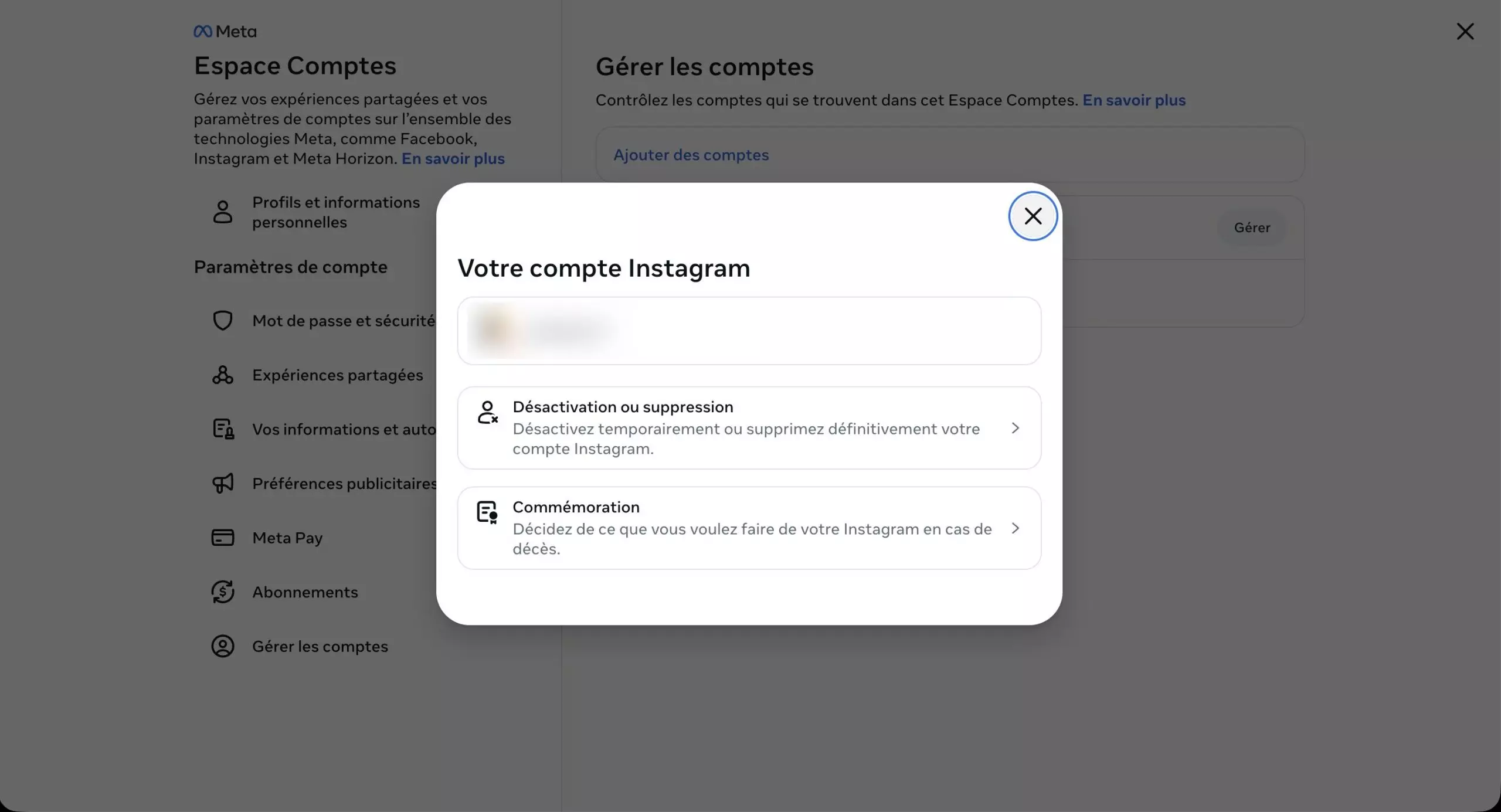
If you have multiple linked accounts such as Instagram, Facebook, or WhatsApp, you will need to select the one you want to delete.
Choose your Instagram account, then confirm the deletion option. The platform will then ask you for the reason for your departure, which is a mandatory step to continue.
Step 4: Confirm your identity
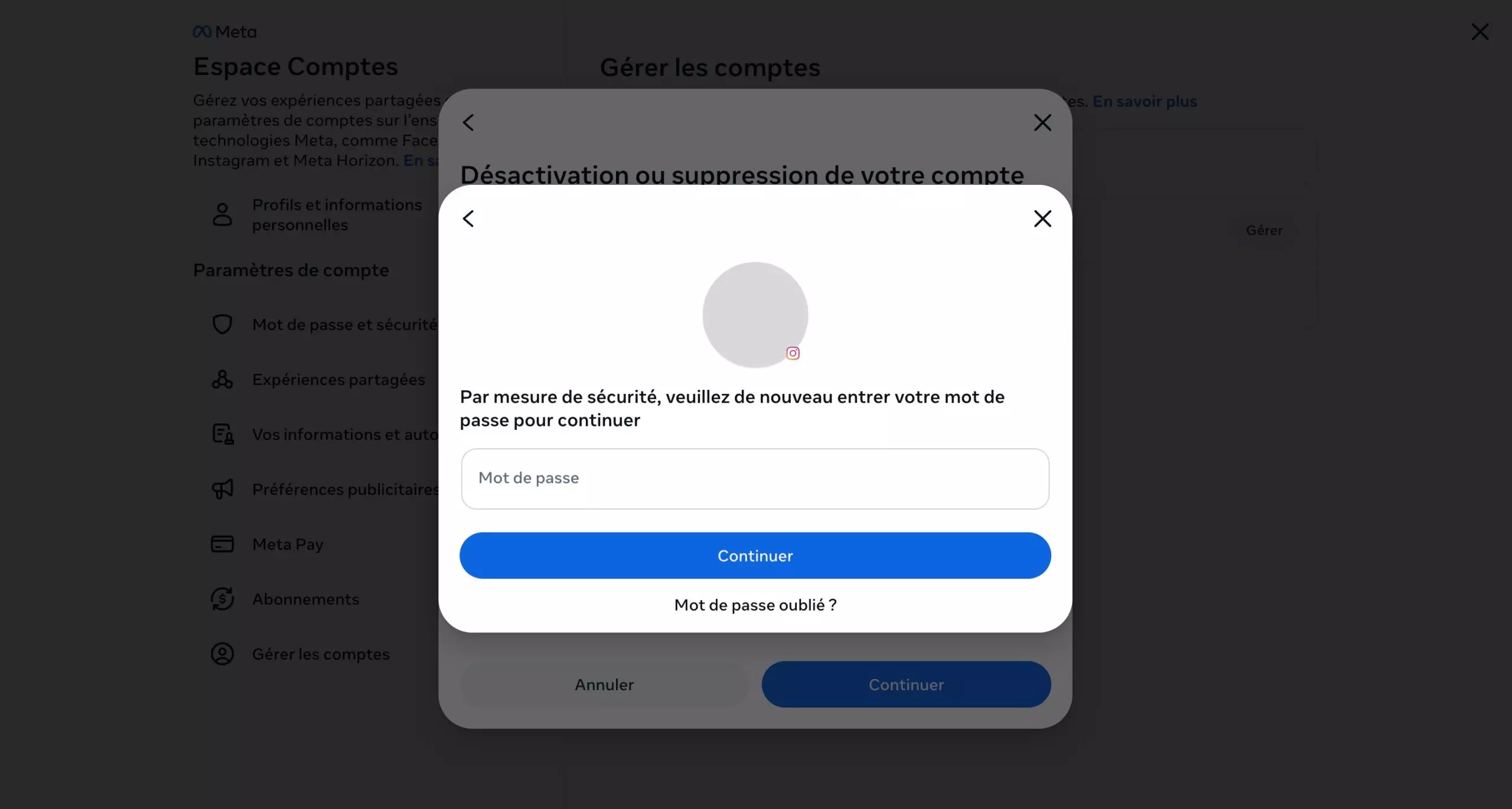
To secure the procedure:
- Enter your password
- Verify the displayed information
- Confirm the deletion
This step ensures that only the account owner can initiate the deletion.
Step 5: Validate the permanent deletion
Once the request is confirmed, your account is not deleted immediately. Instagram applies a 30-day grace period, but your profile becomes invisible immediately.
You have one month to reverse the process by logging back in, and after this period, all your data is permanently deleted, including your photos, videos, comments, and interactions.
Step 6: Understanding the Alternatives (Deactivation)
If you're unsure, deactivation can be a more flexible option. Unlike deletion, your account is simply hidden, your data is retained, and you can reactivate your profile at any time.
Also note that deleting your Instagram account does not delete your Facebook account or other Meta services. If you plan to delete your other accounts, you will need to take further steps in the Meta Accounts section.
Please Login to leave a comment.
Want to Post Your Topic
Join a global community of creators, monetize your content easily. Start your passive income journey with Digbly today!
Post It Now
Comments