


How to permanently delete a Gmail account? The tutorial

You may need to delete a Gmail address if you no longer use it, if it receives too much spam, or if you simply want to clean up your online accounts.
If you are certain you no longer need it, you can follow the steps below to delete your Gmail account…
Access your Google account management
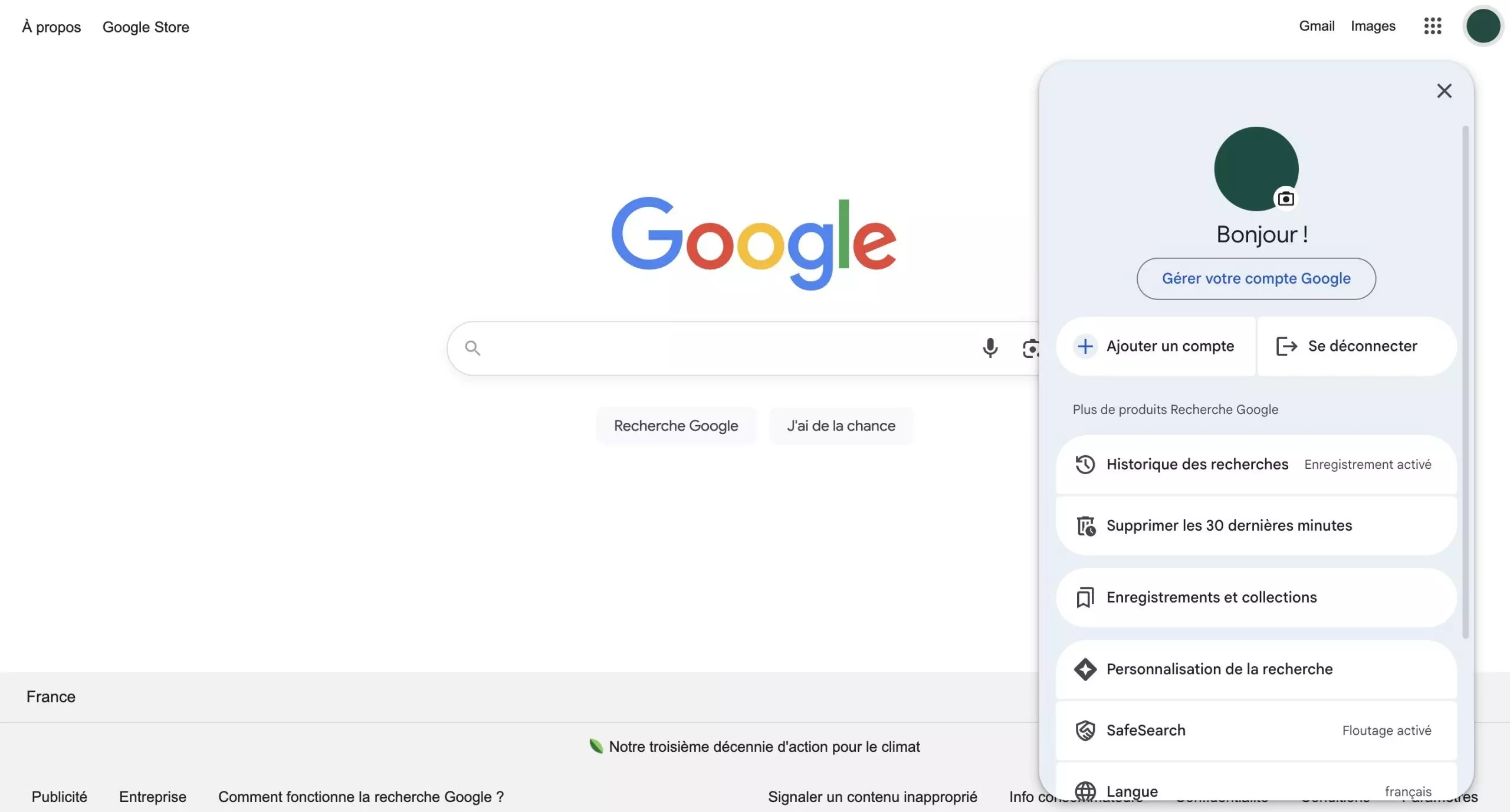
The first step is to open your Google account settings:
- Go to the account management page at the address myaccount.google.com
- If you're already signed in to Gmail, you can also click on your profile picture in the top right corner, then select "Manage your Google Account."
Open the "Data & Privacy" tab
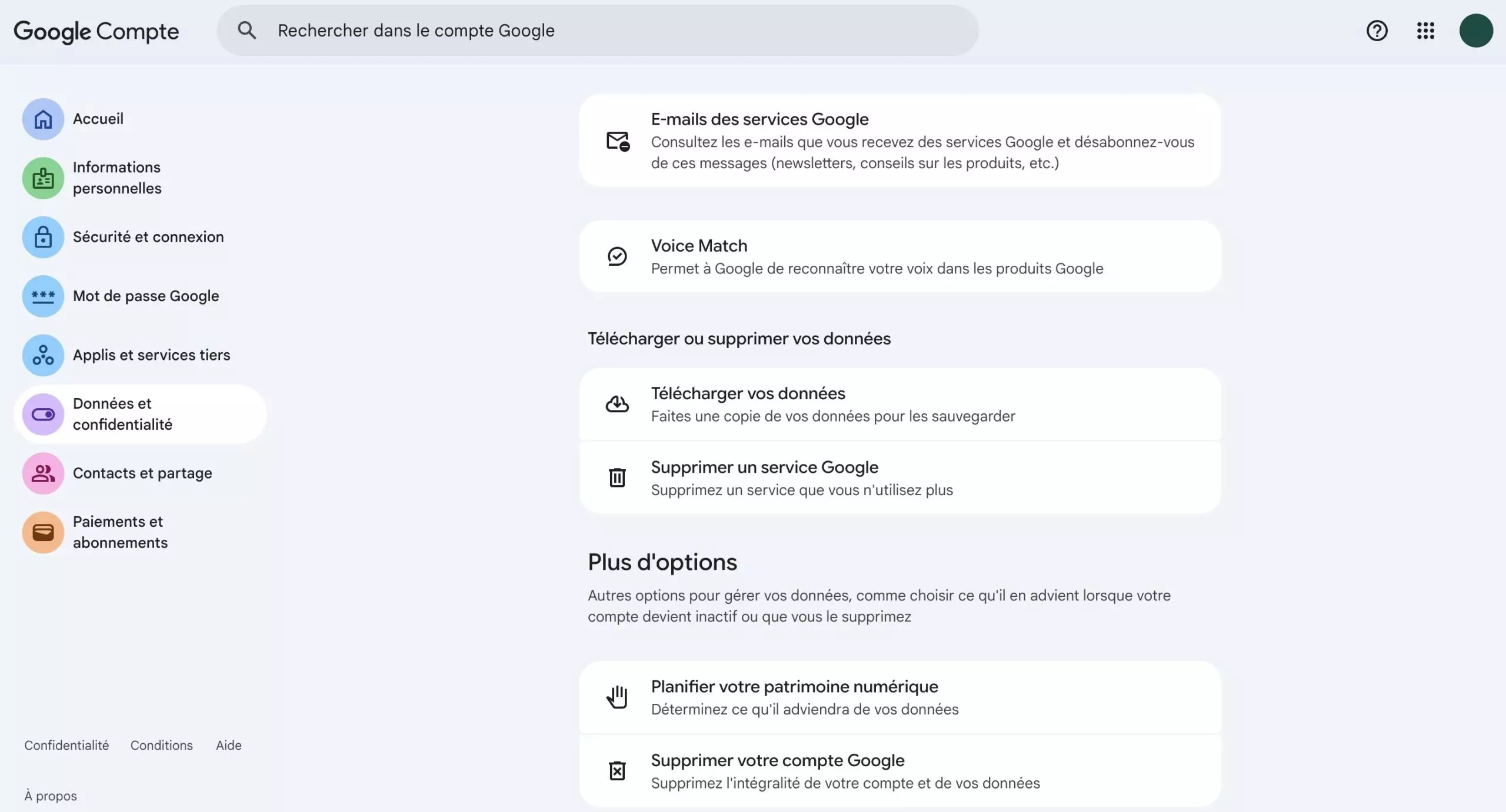
Once on your account's homepage, click on "Data & Privacy in the menu on the left side of the screen.
This section allows you to manage all the information associated with your Google Account: history, privacy settings, data export, or service deletion.
Then scroll down the page until you reach the "Download or delete your data" section.
Before clicking On the button to delete your Gmail account, you can back up your data if you wish by clicking on "Download your data".
You can choose to download only your Gmail emails, or all the data associated with your account, such as files stored in Google Drive or documents created in Google Docs. Once the export is configured, Google generates an archive that you can retrieve via email or a download link.
Click on "Delete a Google service"
In this section, select the "Delete a Google service" option.
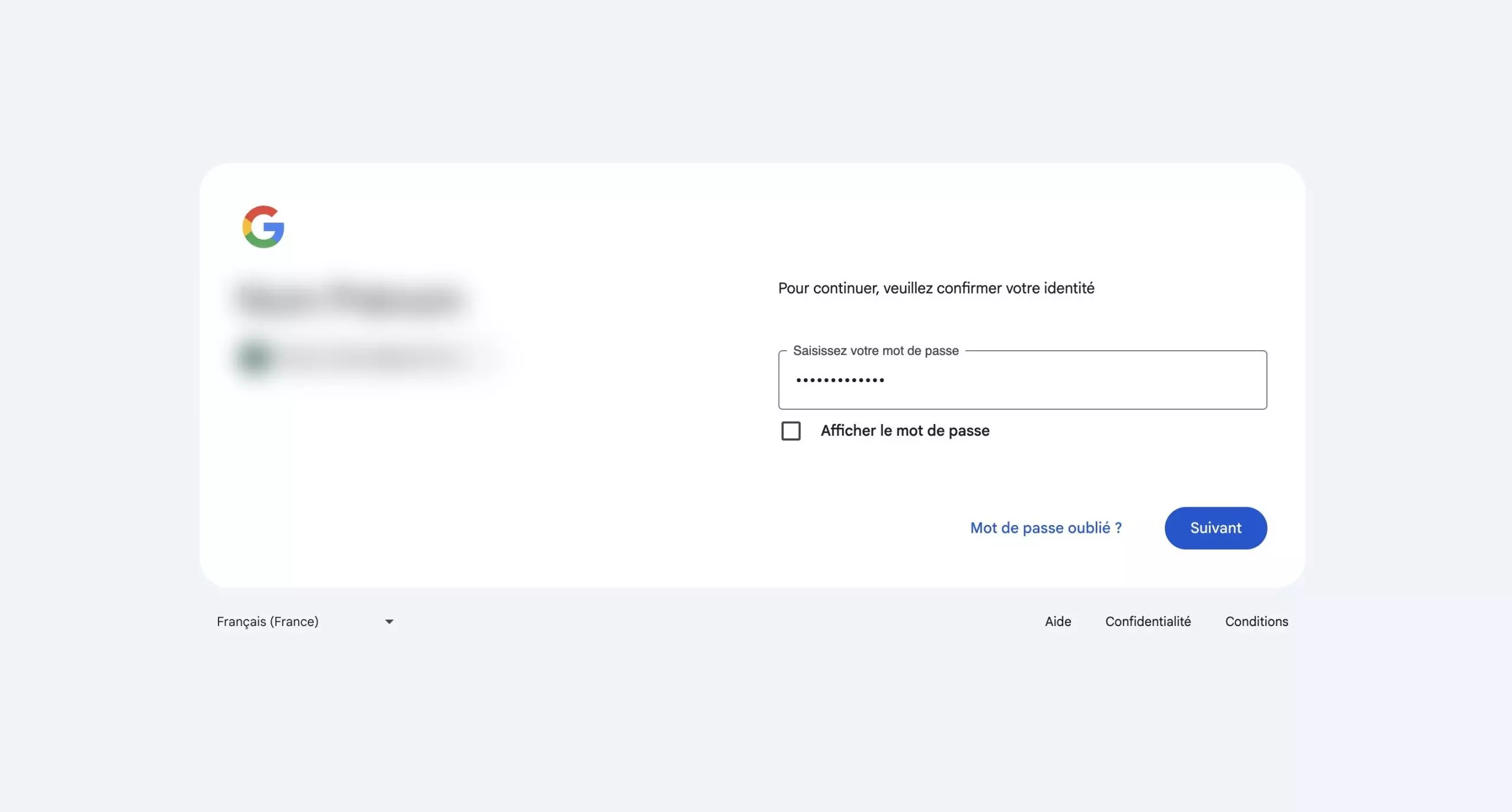
Google will then ask you to sign in again to confirm your identity.This step is designed to prevent accidental or fraudulent deletion. Once signed in, the list of services linked to your account will appear.
Remove Gmail from the list of services
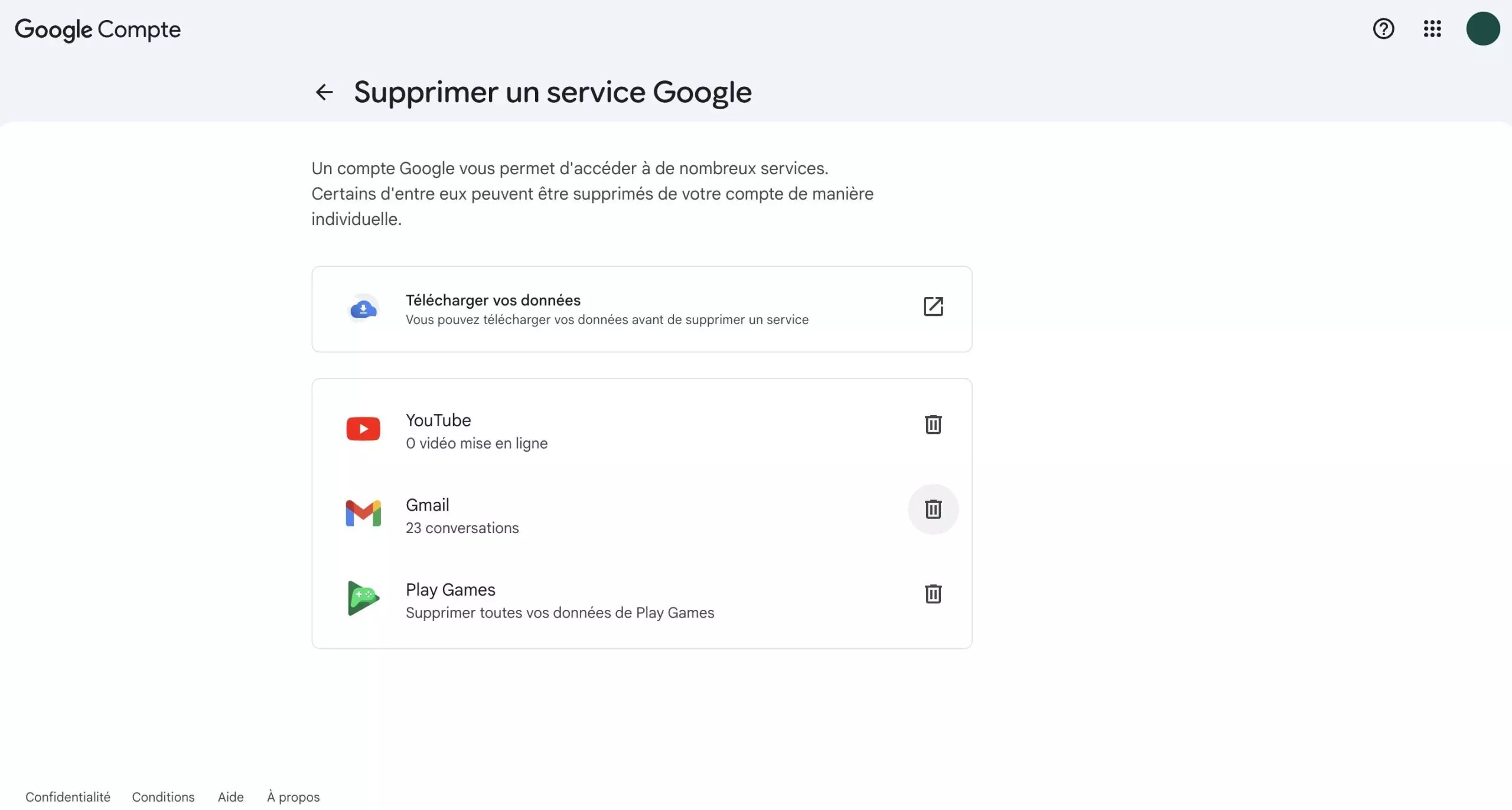
In the displayed list, locate "Gmail", then click on the trash can icon next to it.
Google will then ask you to enter another email address, which must not be a Gmail address. This address will be used to continue accessing certain Google services if you wish to keep them.
After entering this address, click on "Send a verification email.
Confirm the deletion of the Gmail address
A confirmation email will be sent to the address you just entered. To finalize the deletion, you will need to open this message and click on the verification link it contains.
Until this confirmation is completed, the Gmail address remains active. Once verification is complete, your Gmail address and all of its messages will be permanently deleted.
Please Login to leave a comment.
Want to Post Your Topic
Join a global community of creators, monetize your content easily. Start your passive income journey with Digbly today!
Post It Now
Comments