



LinkedIn Learning: what is it and how does it work?

With the rise of AI, online learning is gradually becoming a key tool for skills development.
In response to this, LinkedIn has developed its own platform dedicated to training: LinkedIn Learning. Accessible directly from the social network, it is aimed at employees, freelancers, and students alike. It remains to understand how it works and its concrete uses…
LinkedIn Learning: what is it?
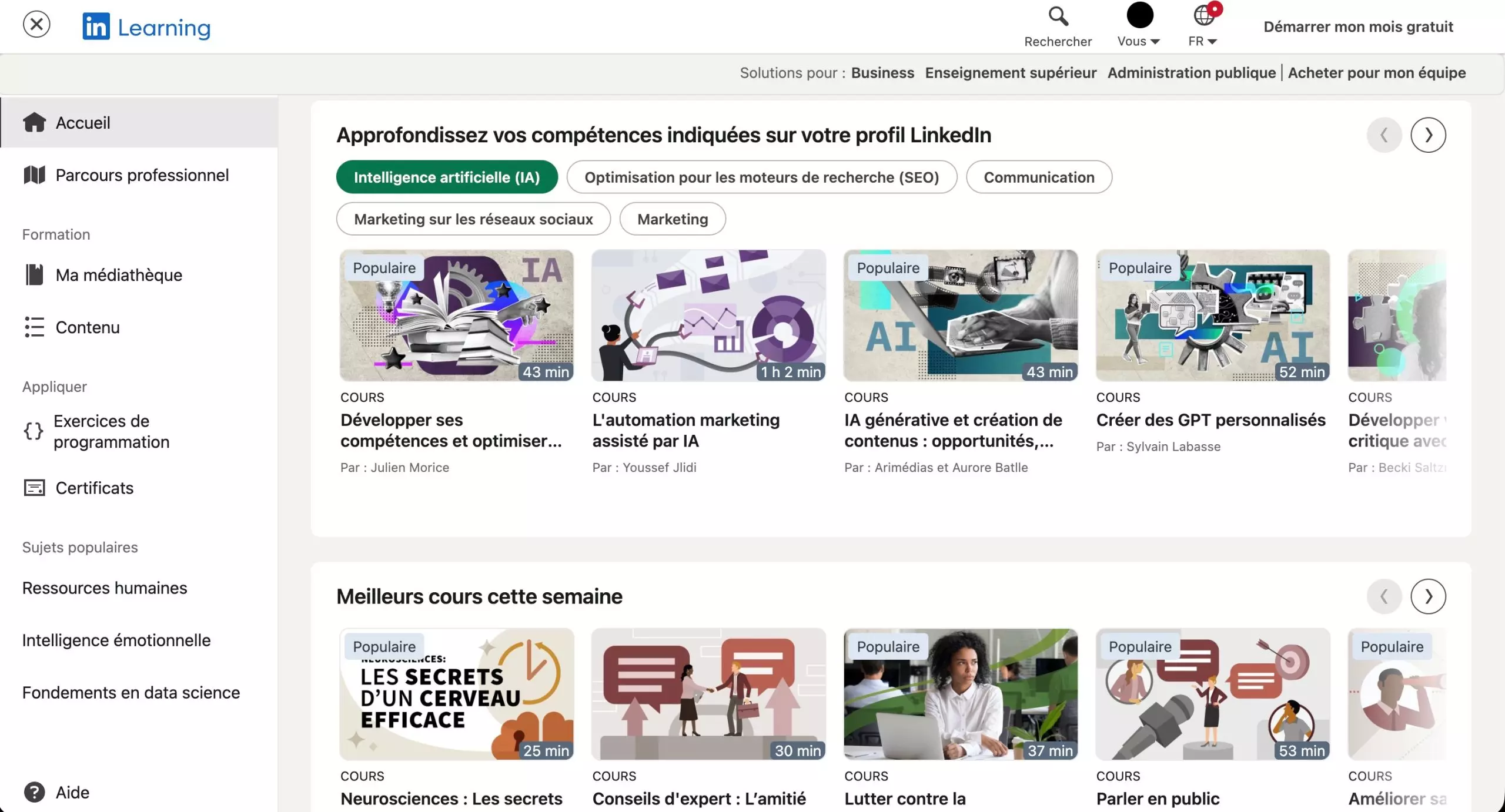
LinkedIn Learning Homepage – Source: LinkedIn
Launched in 2016 after the acquisition of Lynda.com, LinkedIn Learning is a library of online courses in video format. Today, it offers several thousand courses covering diverse fields such as marketing, web development, project management, and design. The platform's unique feature lies in its direct integration with LinkedIn, where, in practical terms, the skills acquired can be added to your profile. Training completion certificates can also be shared, increasing visibility with recruiters.
The content is designed by experts, validated beforehand, and structured into short modules, allowing you to learn at your own pace, without time or location constraints.
How does LinkedIn Learning work on a daily basis?
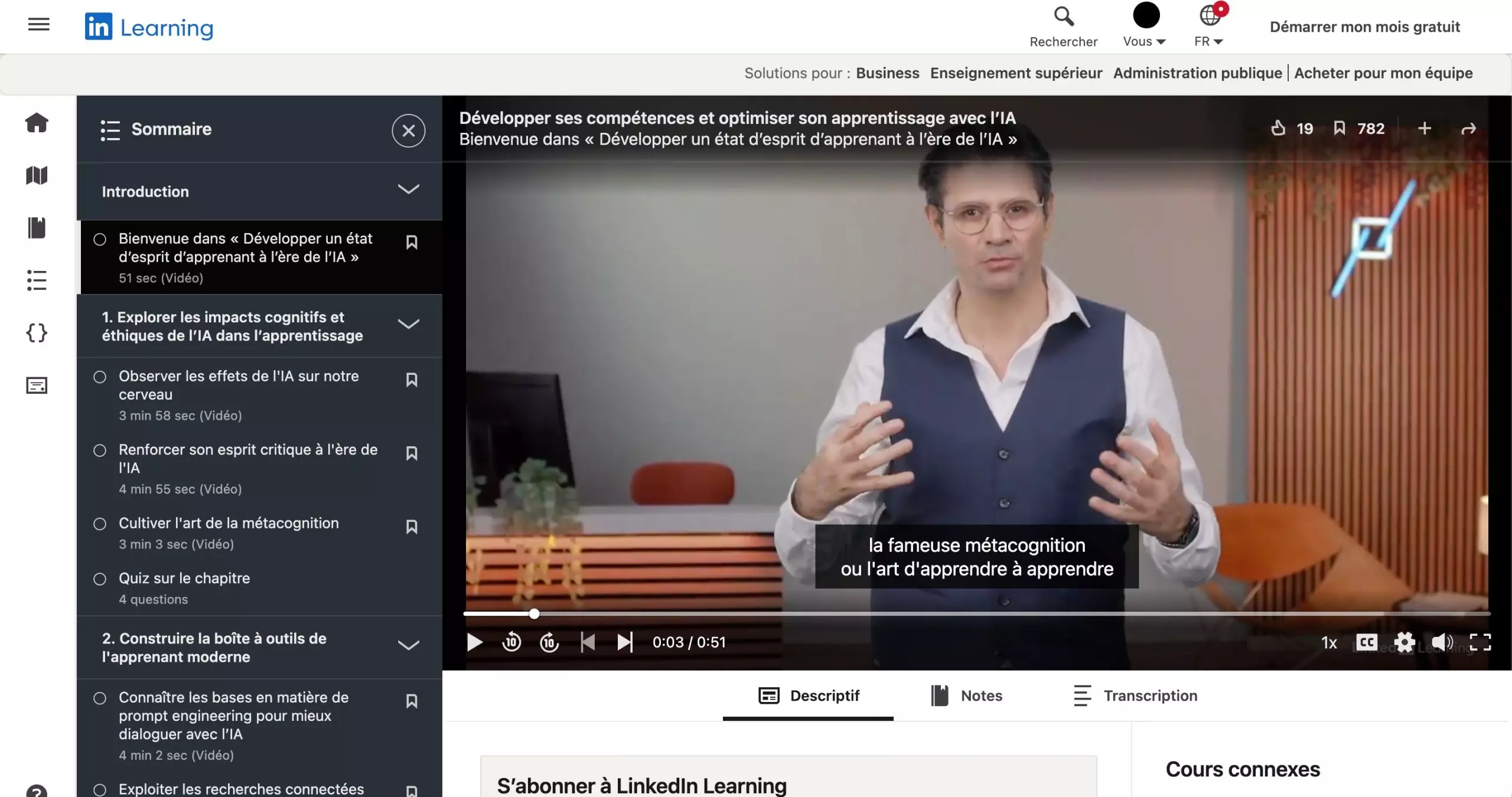
A glimpse of a LinkedIn Learning course – Source:
LinkedInTo access LinkedIn Learning, you need a LinkedIn account and a Premium or dedicated LinkedIn subscription. Once logged in, simply go to the "LinkedIn Learning" section in the "For Companies" tab.
The interface uses a personalized recommendation system based on the skills listed in your profile, allowing you to quickly discover training courses tailored to your professional goals.
The search engine lets you filter courses according to criteria such as level, duration, language, or popularity, but you can also search directly for a specific skill or job title.
Once you've selected a course, you'll access a detailed page with the program, required level, duration, and information about the instructor. The courses are mostly offered in video format, with the option to pause, resume later, or download content for offline viewing.
Finally, a dashboard centralizes ongoing training, saved content, and learning history.
What are the uses and benefits for professionals?
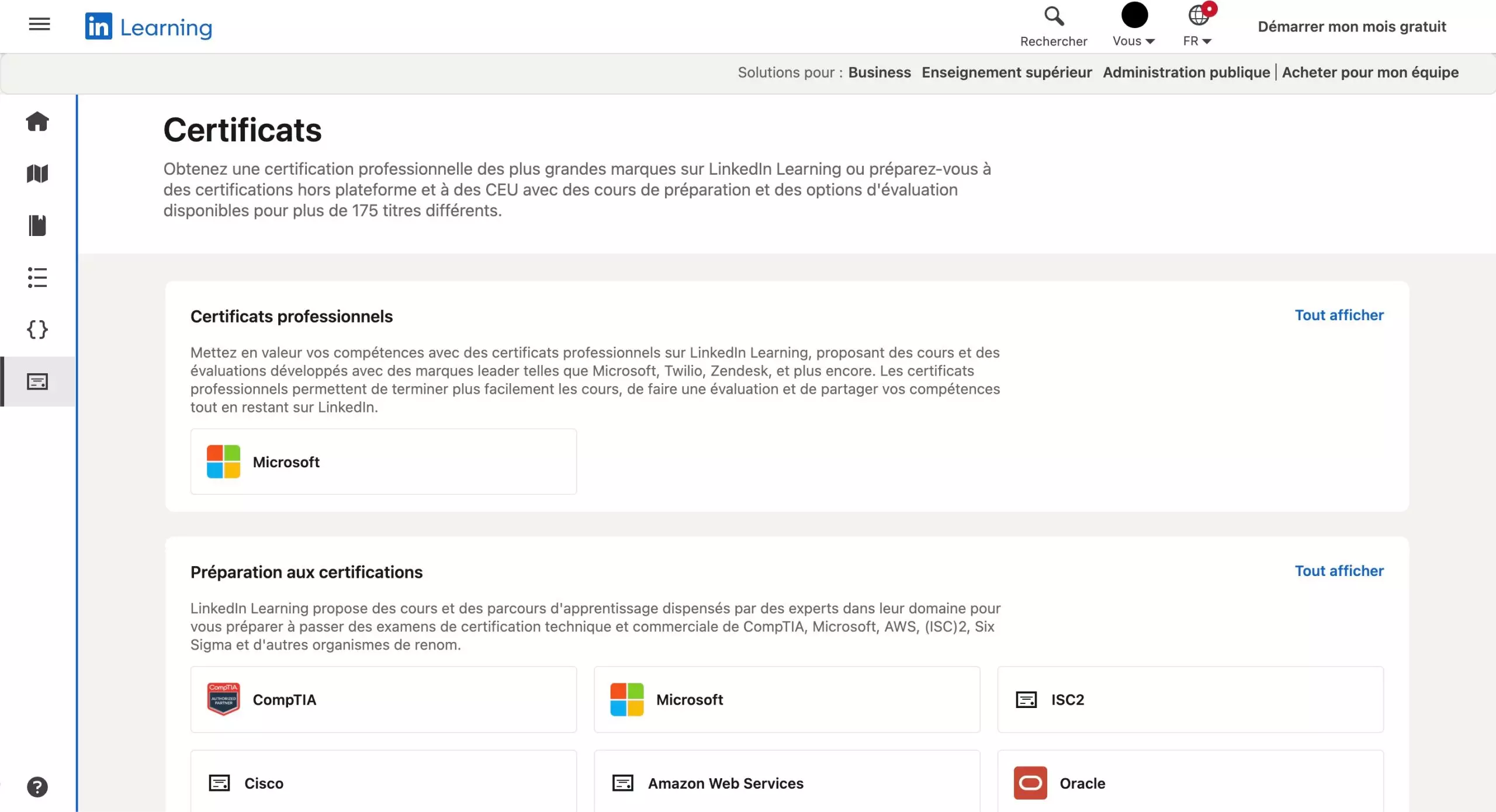
Certifications are also available – Source:
LinkedInLinkedIn Learning addresses several practical uses, with, on the one hand, the development of technical skills, such as programming or data analysis, and on the other hand, the emphasis on soft skills such as communication, leadership, or time management.
For companies, the platform can also be used as an internal training tool, as LinkedIn Learning can support the upskilling of teams, particularly in digital tools or work methods.
Flexibility is another of the platform's strengths. Users can define learning objectives, for example, a few minutes per day, and track their progress.
Please Login to leave a comment.
Want to Post Your Topic
Join a global community of creators, monetize your content easily. Start your passive income journey with Digbly today!
Post It Now
Comments