Mario Kart 8 Receives Surprise Update Version 4.0.1: Here is What You Need to Know
- Tags
- Gaming News
- Nintendo Switch
- Nintendo Switch 2
- Update
- Mario Kart 8
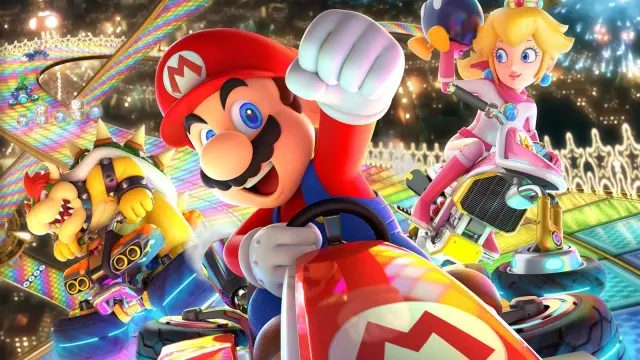
Even 12 years after its initial release, Mario Kart 8 remains a powerhouse in the racing genre, continuing to receive support from Nintendo despite the recent launch of its successor, Mario Kart World, on the Nintendo Switch 2. Following a significant update last month that introduced support for the new hardware and expanded multiplayer capacity, Nintendo has released a surprise patch, version 4.0.1, to further refine the experience.
Refining the Mario Kart Experience
Released on October 13, 2026, the version 4.0.1 update focuses primarily on stability and bug fixes rather than adding new content. The patch addresses specific technical discrepancies that arose on the Nintendo Switch 2, ensuring that gameplay remains fair and consistent across both the original and new hardware. Most notably, developers have tweaked the item box and obstacle spawning logic, which were previously reported as inconsistent on the new console.
Complete Changelog for Version 4.0.1
Nintendo has confirmed the following fixes are included in this maintenance patch:
- Item and Obstacle Balancing: Fixed an issue where the frequency of item boxes and course obstacles was incorrectly increased in online and wireless multiplayer modes on the Nintendo Switch 2.
- User Selection Bug: Resolved a bug that prevented players from correctly selecting a registered user profile when setting up two-player sessions in online or wireless modes.
- Graphical Glitch: Addressed a visual issue on the 'Wii Rainbow Road' track where certain star fragments failed to render properly on the Nintendo Switch 2 version.
- System Stability: Implemented general fixes to prevent unexpected game crashes under specific conditions.
How to Update Your Game
If your console has not automatically downloaded the patch, you can trigger the update manually by following these steps:
- Ensure your Nintendo Switch 2 console is connected to an active internet connection.
- Navigate to the game icon for Mario Kart 8 Deluxe on your home screen.
- Press the '+' or '-' button on your controller to open the options menu.
- Select 'Software Update' and choose 'Via the Internet'.
- Wait for the download to complete, and you are ready to hit the track again.
Comments (0)
Sign in to join the conversation.Sign in
Loading comments...