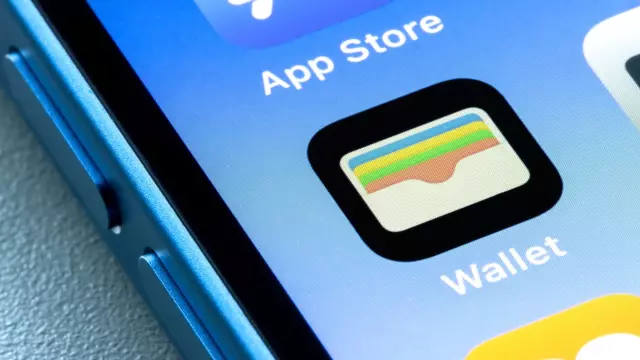
Why iOS 27's Custom Pass Feature Makes Your Physical Wallet Obsolete
- Tags
- Apple
- iOS 27
- iPhone
- mobile technology
- Apple Wallet
- Digital Wallet
Apple Wallet has long been a convenient hub for storing digital versions of credit cards, boarding passes, and event tickets. However, its utility was historically limited by the need for official support from service providers. With the arrival of iOS 27, Apple has finally bridged that gap, introducing a feature that brings Apple Wallet to parity with Google Wallet: the ability to create your own custom passes.
The End of the Physical Wallet
For many of us, the fear of leaving a crucial membership card behind—whether it's for a wholesale warehouse, a movie theater, or a gym—is a common source of frustration. In the past, forgetting that small piece of plastic meant missing out on rewards or even losing access to services. With iOS 27, you can now digitize these physical items, ensuring that even if you walk out the door without your wallet, your phone has everything you need.
How to Create Your Own Custom Passes
Creating a digital version of a physical card is a straightforward process within the updated Apple Wallet app:
- Launch the Apple Wallet app, either by double-tapping the power button or finding it in your App Library.
- Tap the '+' button in the top right corner and select 'Create a Pass'.
- You are presented with two primary methods to add a pass: scanning or manual entry.
- Using Visual Intelligence: Use your camera to scan the physical card, or select a photo from your gallery. Apple's AI will parse the information, generate the pass, and allow you to refine the details before adding it to your wallet.
- Manual Creation: If you prefer, you can select a template (membership, event, or custom) and manually input the details. You can easily add barcodes or QR codes by using your camera during the setup process.
A Note on Limitations
While this feature is a significant leap forward, it is important to remember that these digital representations are best treated as supplements rather than absolute replacements for government-issued IDs or sensitive documents like passports. Always carry proper identification when traveling or in legal situations where a physical, verified document is required.
Ultimately, the ability to create custom passes in iOS 27 represents a major step toward a truly digital-first lifestyle, significantly reducing the clutter in your pockets.
Comments (0)
Sign in to join the conversation.Sign in
Loading comments...