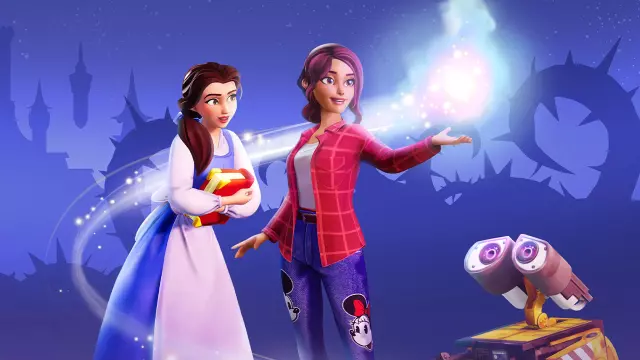
Disney Dreamlight Valley: Unlock Free Moonstones and Rewards with New Code
- Tags
- Gaming
- Disney Dreamlight Valley
- Free Code
- Gameloft
- Moonstones
Discover the Latest Free Rewards in Disney Dreamlight Valley
Gameloft is once again treating the community of Disney Dreamlight Valley to an exciting batch of complimentary in-game content. Following the release of the massive autumn update—which embraces the spooky season with content inspired by The Nightmare Before Christmas and the iconic villain Oogie Boogie—players can take advantage of a brand-new redemption code to boost their resources.
Whether you are busy preparing for seasonal events or completing new multi-week questlines, having extra currency on hand is always welcome. This latest code gives players a direct injection of premium and standard currencies without requiring any complex grinding or purchases.
What's Inside the Free Rewards Code?
The latest promotional code provides a generous bundle designed to help both newcomers and veteran valley residents. Without any expiration date announced yet, players can claim the following items:
- 250 Moonstones: The game's premium currency, perfect for grabbing exclusive items from the in-game shop.
- 2,500 Dreamlight: Essential for progressing through the narrative, opening up new realms, and clearing obstacles.
- 2,500 Star Coins: The standard currency used to purchase daily furniture, clothing, and upgrades.
How to Redeem Your Code in Disney Dreamlight Valley
Claiming your free items is a quick and straightforward process. Follow these simple steps to add the rewards to your account:
- Launch Disney Dreamlight Valley on your preferred gaming platform (PC, PlayStation, Xbox, or Nintendo Switch).
- Open the in-game menu and navigate to the Settings tab located in the top-right corner.
- Select the Help tab situated on the left-hand side of the screen.
- Type the code BACKTODDV26 directly into the redemption code section.
- Click Claim. (Note: If a message indicates that the code has already been redeemed, double-check your mailbox).
- Head over to your in-game mailbox to collect your bundle and enjoy your new riches!
Keep an eye out for future updates and events as Gameloft continues to expand the magical world of the valley with fresh features, quality-of-life improvements, and seasonal surprises.
Comments (0)
Sign in to join the conversation.Sign in
Loading comments...