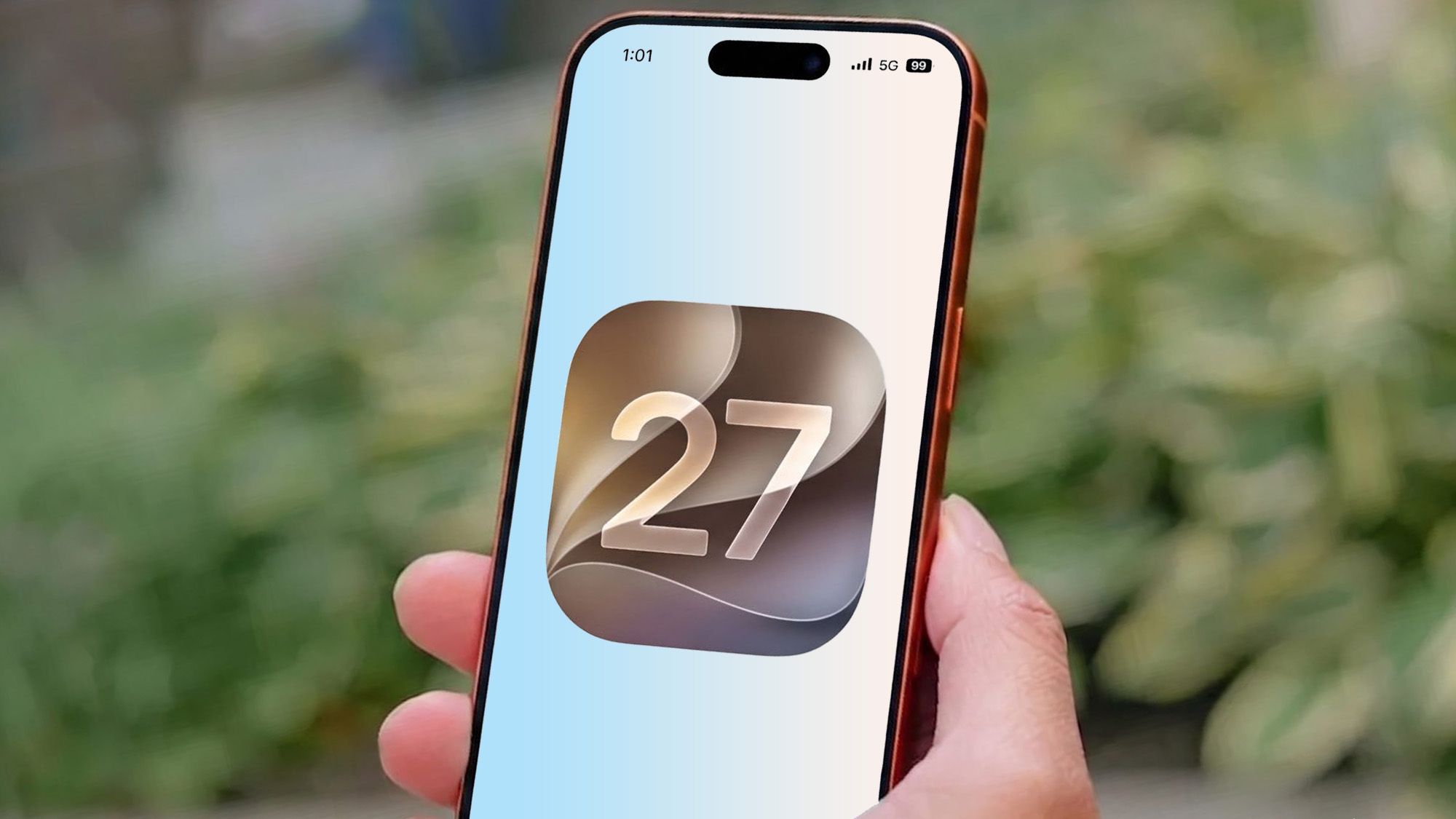
Apple's iOS 27 'Notify Me' Feature: A Game-Changer with a Critical Flaw
This post has no video
The End of the Manual Refresh?
For anyone who has ever spent hours staring at a loading screen in a virtual queue—whether it's for concert tickets, limited-edition sneakers, or a family trip to Disneyland Paris—the struggle is universal. The anxiety of missing a narrow booking window because of a momentary distraction is a modern digital rite of passage. Enter Apple's latest attempt to solve this frustration: the 'Notify Me' feature in iOS 27.
Integrated directly into the Safari browser, Notify Me leverages Apple Intelligence to monitor webpages for changes and alert the user. On paper, it is the ultimate productivity tool, promising to liberate users from the 'manual refresh' cycle. However, after an in-depth look, it becomes clear that while Apple has built a fantastic foundation, they stopped just short of making it truly indispensable.
Understanding 'Notify Me': How it Works
Notify Me is an AI-driven utility within Safari that allows users to designate a specific webpage for monitoring. Unlike simple page-watchers of the past, this feature utilizes artificial intelligence to understand what it is looking for. Users can set general alerts for any change on the page or provide a specific written prompt—such as 'Notify me when the ticket status changes to Available'—to fine-tune the AI's focus.
The feature is tucked away in the Safari menu bar, located to the left of the URL bar (which typically sits at the bottom of the screen on iPhone and iPad). Its implementation is seamless and intuitive, fitting perfectly into the broader Apple Intelligence ecosystem.
The Critical Limitation: The Refresh Gap
The primary issue with Notify Me lies in its frequency. Currently, the AI does not monitor pages in real-time. Instead, users must choose from a set of predefined check-in intervals: hourly, daily, weekly, or monthly. While users can specify the exact time of day for these checks, the 'hourly' option is the fastest available.
For long-term monitoring, this is perfectly adequate. If you are tracking a product restock that happens sporadically or waiting for a price drop on a luxury item, an hourly check is a welcome automation. It removes the mental load of remembering to check a site manually.
However, for short-term, high-stakes events, an hourly check is practically useless. Most virtual queues provide a grace period of 10 to 20 minutes once you reach the front. If the AI only checks once an hour, you could easily miss your window by 40 minutes, rendering the notification a post-mortem rather than a helpful alert.
The Path to Perfection: Real-Time Ambitions
To make Notify Me a truly versatile tool, Apple needs to bridge the gap between hourly and real-time. Expanding the frequency options to include 5, 10, or 15-minute intervals would transform the feature from a passive observer into an active assistant. This would allow users to tackle high-demand bookings with confidence, knowing their device is monitoring the site with a precision that mimics human behavior.
Of course, there are technical hurdles. AI processing requires significant hardware resources. Frequent page scraping and analysis could put a strain on battery life and CPU performance, even on the powerful new iPhone 18 Pro series. The industry remains unclear on whether this processing happens on-device or via Apple's Private Cloud Compute, but the trade-off between battery efficiency and utility is the core challenge Apple must solve.
The Bottom Line
Notify Me is a brilliant concept that showcases the practical potential of Apple Intelligence. It transforms the browser from a static window into an active agent. But in its current state, it is a long-term tool in a world that often demands short-term speed. If Apple can optimize the resource consumption to allow for more frequent checks, Notify Me could become one of the most used features in the iOS ecosystem. Until then, keep your browser tabs open and your fingers ready.